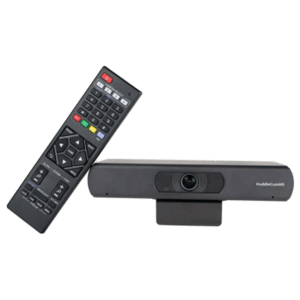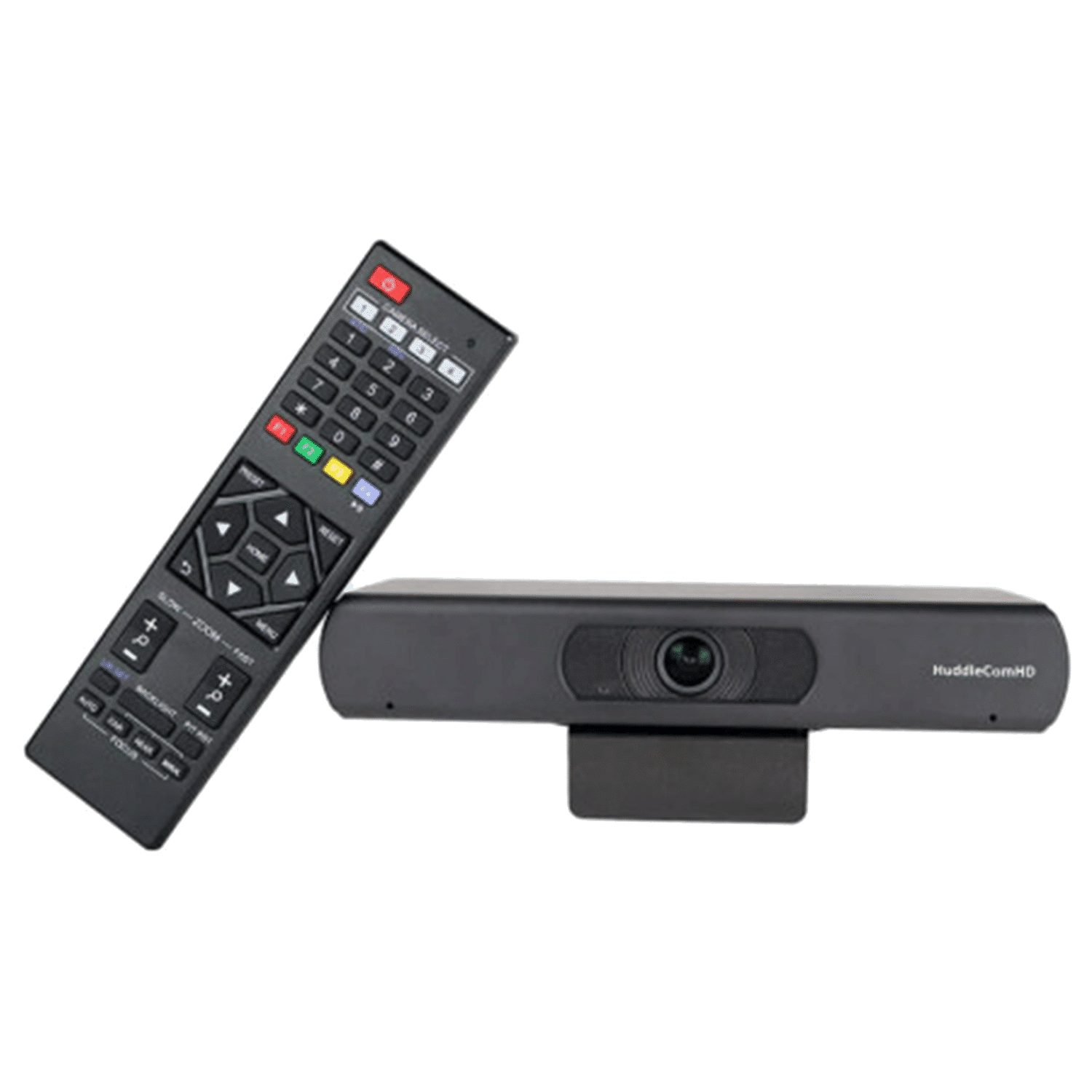
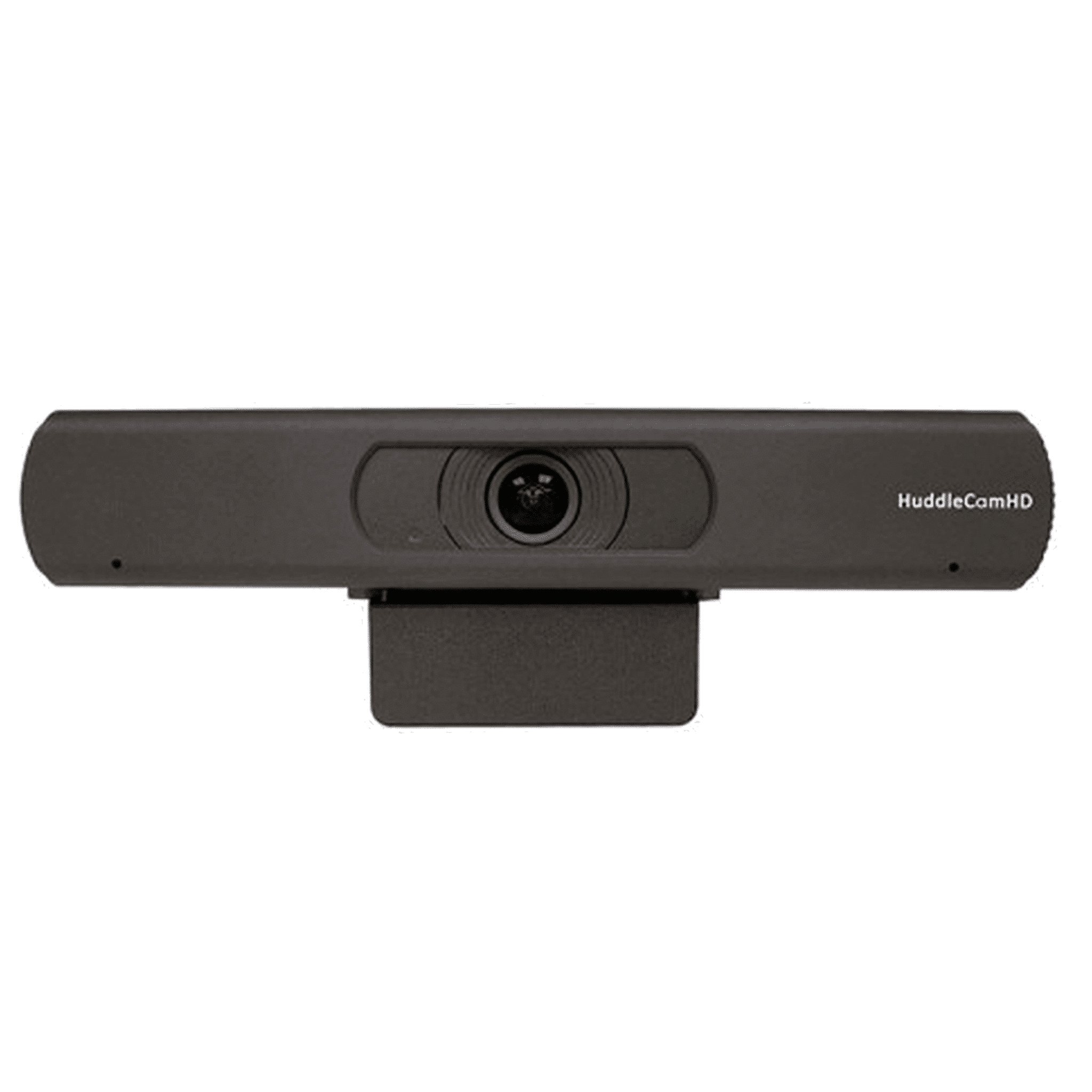
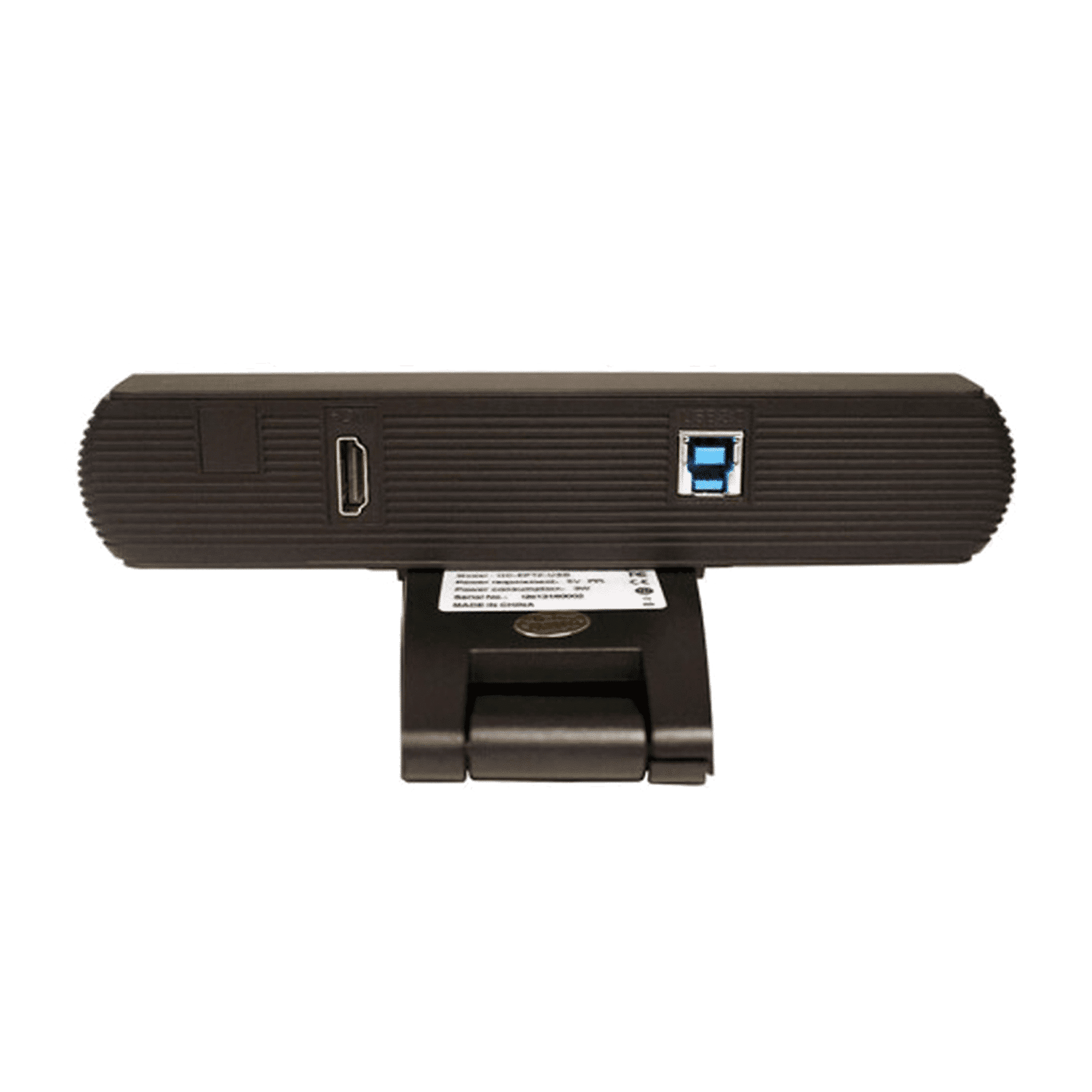

The HuddleCamHD Pro 4K USB Webcam is a premium ultra–high-definition webcam designed for professional video conferencing, live streaming, online teaching, webinars, and remote collaboration. Delivering stunning 4K clarity, superior low-light performance, and flexible mounting options, this webcam is the perfect upgrade for users who want broadcast-quality video in a simple plug-and-play device.
Equipped with a high-performance 4K sensor, the HuddleCamHD Pro Webcam captures incredibly sharp, detailed, and lifelike video. Whether you’re presenting to a team, recording content, or hosting an important client meeting, your image quality always remains crisp and professional.
Smart autofocus ensures you always stay sharp, even as you move. The advanced light correction engine automatically adjusts exposure and color balance, delivering excellent image quality in bright, dim, or mixed lighting environments.
Built-in noise-reducing dual microphones capture your voice clearly and naturally. Ideal for home offices, classrooms, and meeting rooms where clear audio is as important as sharp video.
No drivers, no software installation, no hassle. Simply plug the webcam into your computer and start your call. Compatible with Zoom, Teams, Skype, Google Meet, OBS, vMix, Webex, and all major platforms.
The adjustable clip makes it easy to mount the webcam on any monitor, laptop, or flat surface. The integrated standard tripod thread also allows mounting on a tripod or camera arm for more advanced setups.
This webcam is designed for users who need professional clarity without the complexity of a full camera system. Its 4K sensor, premium audio, and plug-and-play simplicity make it a great choice for remote professionals, educators, creators, and anyone who values top-tier image quality.
The HuddleCamHD Pro 4K USB Webcam offers exceptional performance, flexibility, and user-friendly design. With its sharp 4K video, intelligent autofocus, and strong audio capture, it delivers a truly professional online presence for any environment.
| Features and Specifications | HuddleCamHD 4K USB 3.0 EPTZ Conference & Livestream Camera Professional 4K Webcam 4K Resolution EPTZ Control 108° Field of View lens built-in beam shaping dual microphone array Plug & Play – powered via USB Auto Framing IR Remote Control 10 Presets via IR Remote Fitted with 1/4 base -20 Mounts Ideal for Video Conference, Presentations, Online Teaching, E-Sports, Online Fitness Classes etc. etc. |
|---|---|
| For use with the following video conferencing software | Zoom (supports PTZ Controls) Skype for Business Microsoft Teams Google Meet Adobe Connect TeamViewer And more (See also compatibility list) |
| For use with the following LiveStream Software | Facebook (Live Now) YouTube (Live Now) Open Broadcaster Software vMix (supports PTZControls) WireCast xSplit And more (See also compatibility list) |
| To be used with the following Lecture Capture / Recording Software | Adobe Connect Kaltura Personal Video Capture Panapto Lecture Capture Software TechSmith (Camtasia, Snagit) Echo360 Epiphan Pearl |
| Technical specifications | Field of View 108° Video CMOS Sensor 1/2.5” CMOS 8.51M Mega Pixel Focal Length 2.8mm Zoom 8x Digital Zoom EPTZ Control Methods UVC 1.5, IR Remote Compression MJPEG, YUY2 Resolutions:3840×2160, 1920×1080\, 1280×720, 1024×576, 960×540, 960×480, 640×360 Frame Rate 50Hz: 1 ~ 25, 60Hz: 1 ~ 30 Min Lux 0.05 Lux @ F1.8, AGC ON Connection Interface USB 3.0, HDMI 1.4 Material Aluminum, Plastic Dimensions (in.) 7.63”W x 2.36”H x 3.66”D Dimensions (mm.) 194mmW x 60mmH x 93mmD Weight 0.7 lbs, 0.34kg Box Dimensions (in. ) 9.375”W x 4.3125”H x 4.625“D Box Dimensions (mm.) 238mmW x 109.5mmH x 117.5mmD Boxed Weight 2.4 lbs, 1.1kg Input Voltage 5V (USB 3.0 Power) Operating Temperature 14°F ~ 104°F ( -10°C ~ 40°C) Storage Temperature -40°F ~ 140°F (-40°C ~ 60°C) Compression: MJPEG, YUY2N Working Environment: Indoor Power LED: Blue LED to signal power Color: Black Warranty: 3 Years parts and labour |
| Compatibility | Windows 7/8/8.1/10 Mac OS X Acano Adobe Connect Blue Jeans Cisco Jabber Cisco WebEX EasyMeeting.net Facetime Fuzebox Google Hangout GoToMeeting Lifesize Microsoft Lync Polycom RealPresence Radavision Spontania Skype TurboMeeting.US Vidyo VSee Zoom.US |
HuddleCamHD specializes in affordable, easy-to-use PTZ and USB conferencing cameras designed for video meetings, hybrid classrooms, livestreams, and corporate communication. Known for combining plug-and-play simplicity with professional-grade features, HuddleCamHD makes high-quality video accessible to businesses, educators, houses of worship, and AV integrators.
Whether you're upgrading a boardroom, outfitting a lecture hall, or building a streaming setup, HuddleCamHD offers versatile camera solutions for every space and budget.
HuddleCamHD is a U.S.-based brand focused on delivering high-quality video conferencing and streaming hardware with USB, IP, and HDMI connectivity options. Their lineup includes:
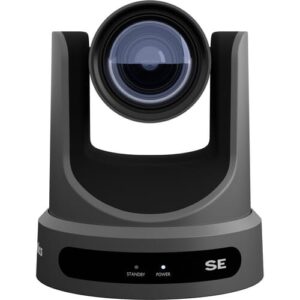
USB and IP PTZ cameras
All-in-one video bars and webcams
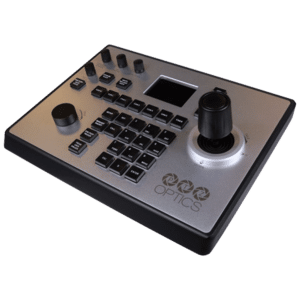
Joysticks and software for camera control
Auto-tracking and NDI-enabled models
All HuddleCamHD cameras are designed for compatibility with Zoom, Microsoft Teams, OBS, vMix, Skype, and Google Meet, with models suited for small meeting rooms up to large auditoriums.
USB Plug-and-Play Simplicity
Most models connect via USB 2.0 or USB 3.0, requiring no drivers—ideal for quick setup on Windows or macOS systems.
Smooth PTZ Control
Enjoy precise pan, tilt, and zoom functionality with quiet motors and remote control via IR, IP, or joystick.
Wide Field of View Options
Choose between narrow telephoto lenses for lecture capture or wide-angle models for huddle rooms and small spaces.
Auto-Tracking Available
Select models feature built-in AI-based presenter tracking, allowing speakers to move freely during presentations or classes.
NDI® and IP Streaming Support
Some cameras include NDI|HX and RTSP/RTMP streaming for flexible integration into advanced production networks.
Cross-Platform Compatibility
Fully compatible with all major video conferencing software and production platforms like OBS, vMix, Wirecast, and Zoom.
Corporate Meeting Rooms
Install USB PTZ cameras for high-quality video in boardrooms, huddle spaces, or large hybrid meeting environments.
Education & Lecture Capture
Equip classrooms and auditoriums with PTZ or auto-tracking cameras for recording or streaming lectures and training.
Worship & Religious Streaming
Livestream services and events using quiet PTZ cameras with remote control and wide lens options.
Webinars & Online Events
Deliver professional-looking streams with PTZ control, clean HDMI or USB output, and auto-framing.
Streaming Studios & Podcast Rooms
Build flexible multi-camera setups for livestreams or interviews with OBS/vMix integration.
Affordable, Professional AV Gear
Designed to bridge the gap between low-end webcams and high-end broadcast PTZ cameras.
Simple Integration
USB plug-and-play setup, PoE for easy IP installations, and compatibility with existing AV control systems.
Built for Hybrid Communication
Perfect for hybrid work, hybrid classrooms, and hybrid worship environments.
Remote Control Options
Manage cameras via software, web UI, IR remote, or hardware joystick—locally or remotely.
Strong Support & Community
Backed by detailed documentation, live support, and an active user base across North America and Europe.
Can I use HuddleCamHD with Zoom or Teams?
Yes. USB models are plug-and-play compatible with Zoom, Microsoft Teams, Google Meet, Skype, and all major video platforms.
Do HuddleCamHD cameras support auto-tracking?
Some models like the SimplTrack2 offer built-in presenter tracking for education and corporate presentations.
Can I integrate HuddleCamHD into my livestreaming setup?
Absolutely. Many models feature HDMI, IP streaming, and NDI|HX, making them perfect for use with OBS, vMix, and Wirecast.
How are these cameras controlled?
Control options include IR remote, software (Windows), web interface, IP joystick, and VISCA over IP or RS-232.